Let the request arrive
Supported timing controls can group rapid messages before a reply. Choose the behavior that fits the channel and the work.
AI conversation controls
A customer may send several messages, correct a detail or ask for a person. Configure how the AI handles those situations before they happen.
Supported timing controls can group rapid messages before a reply. Choose the behavior that fits the channel and the work.
Define the instructions, response style and rules for handling or ignoring enquiries. Review what the AI may do through its configured actions.
Your team can pause the AI and continue the conversation. Configure handover with the relevant contacts and operating process.
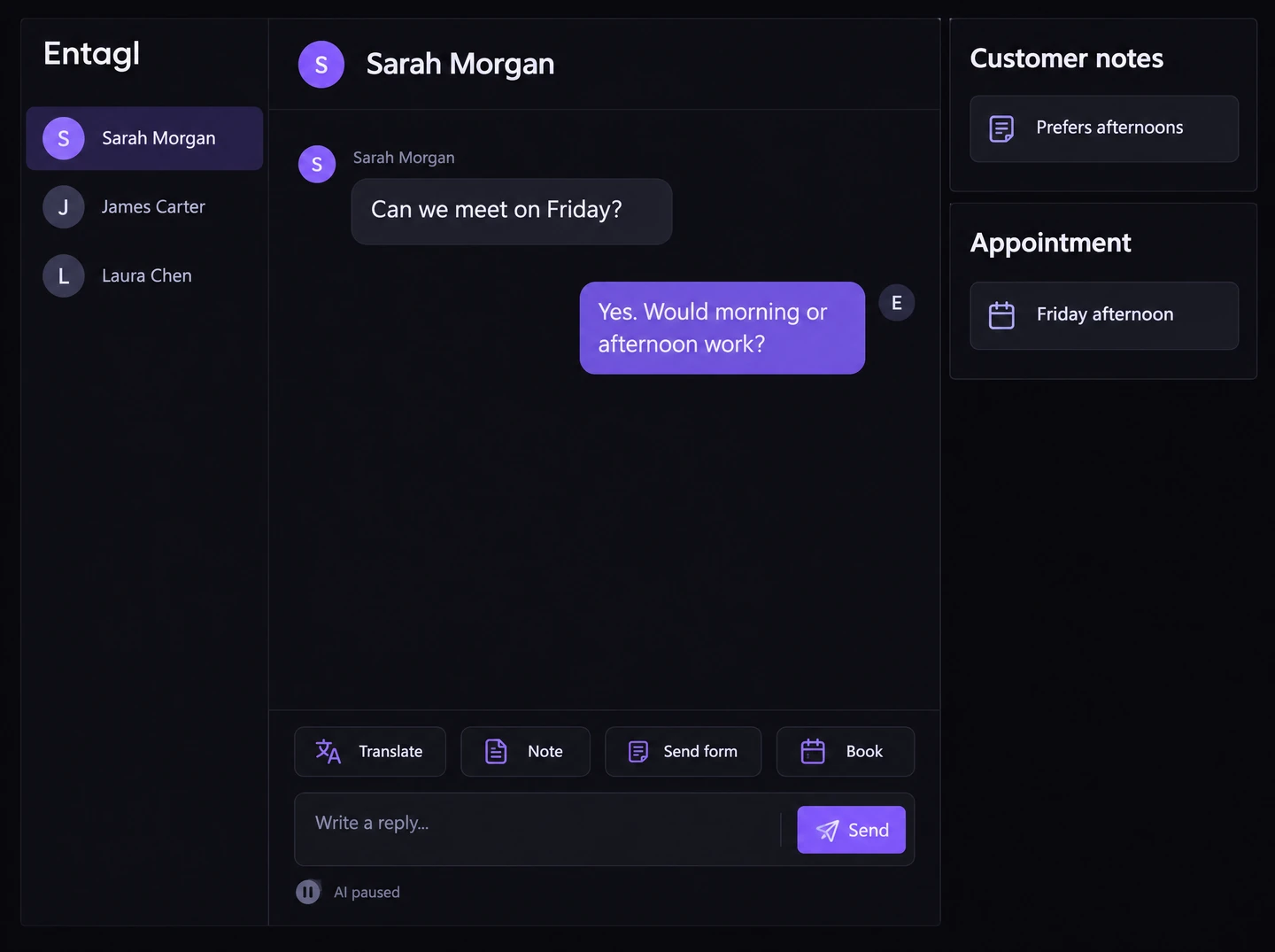
In your workspace
Staff can review the conversation and adjust the setup when the behavior needs to change.
Controls reduce the scope of allowed behavior; they do not guarantee perfect responses. Available controls differ by channel and product.
Yes. Use the supported pause and inbox controls.
Response time depends on staff availability and the handover process.
Staff can review the conversation and adjust the setup when the behavior needs to change.
Connected capabilities