Read before replying
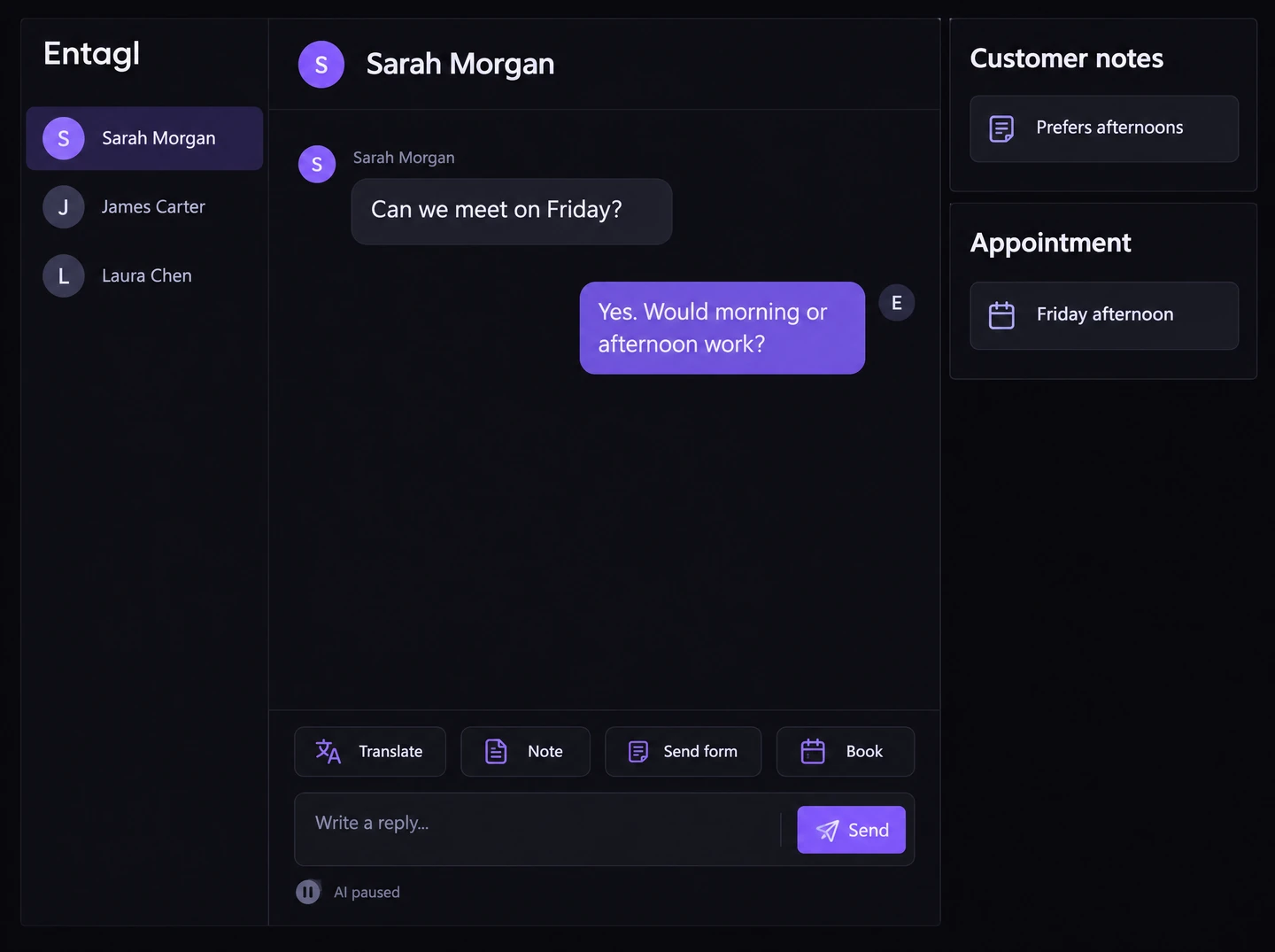
Use the available conversation and translation tools to understand the messages. Review an AI draft before sending it when you need help with wording.
Shared team inbox
Open the conversation, read what has happened and choose the next action. Keep staff work close to the customer's question.
Use the available conversation and translation tools to understand the messages. Review an AI draft before sending it when you need help with wording.
Add an internal note and assign the conversation to the appropriate teammate. Keep the reason for the next step clear.
Use supported inbox actions for forms, appointments and private uploads. Review the details before completing the action.
When work needs another teammate, keep the conversation, notes, and assignment together so the next person can continue from the same context.
In your workspace
The assigned teammate can review and continue the conversation.
Assignment does not guarantee a response time. Available actions depend on permissions and configuration.
No. Translation changes how you read the conversation. You still choose what to send to the customer.
No. Internal notes are for the team. Customer-facing messages are separate from notes and assignments.
Yes. You can review a draft before sending it, or write your own reply and check it first.
Connected capabilities