Save what the next person needs
Choose relevant contact fields and review the information collected through conversations.
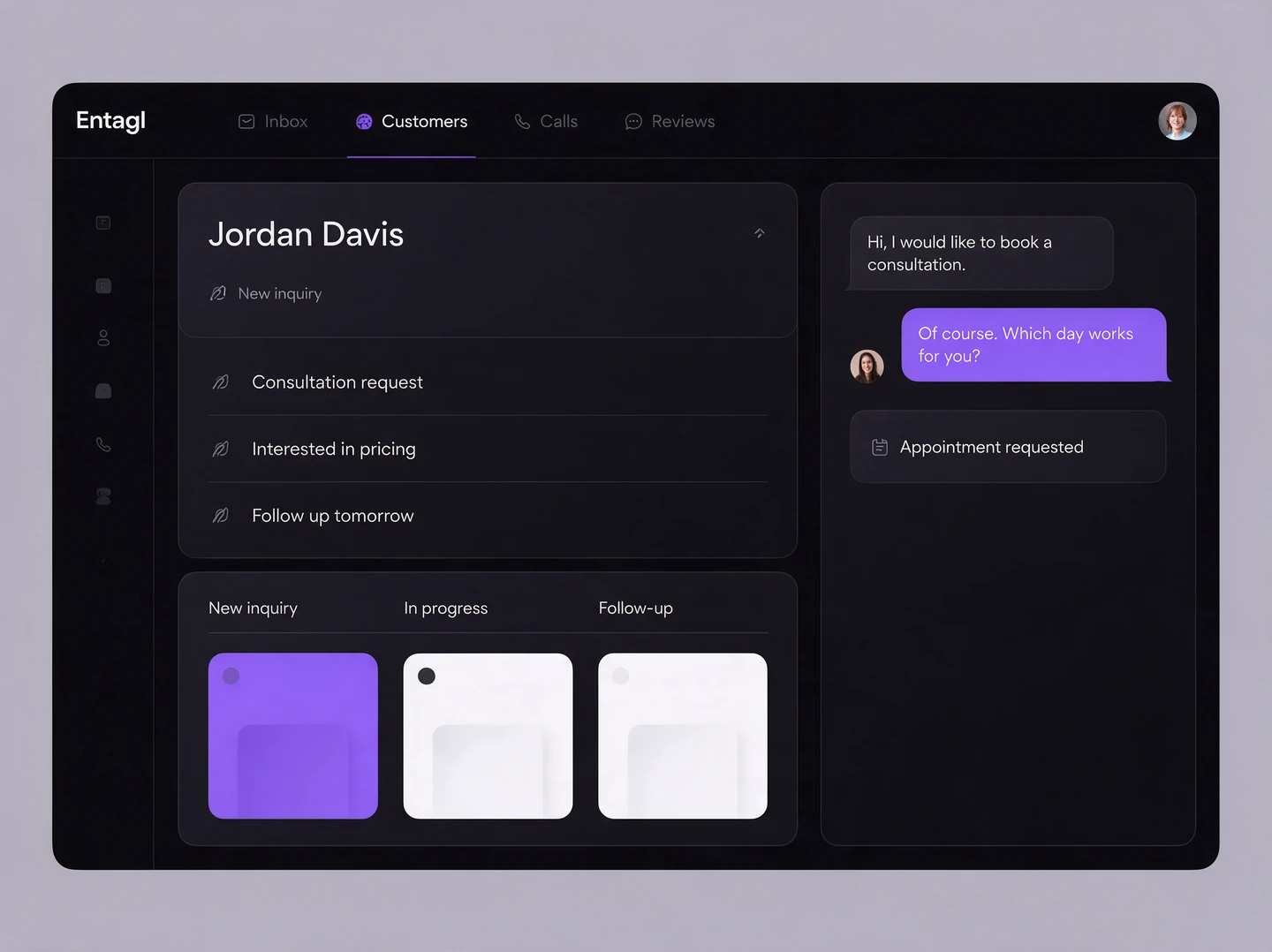
Customer CRM
Keep useful customer details, notes and supported activity in a record your team can work with.
Choose relevant contact fields and review the information collected through conversations.
Use supported stages, tags and assignments to organize the next steps. A record should help someone act, not become another place to search.
Review suggested links and merges through the supported process. Keep different people separate when the evidence is unclear.
In your workspace
Staff can use the available history and details when continuing the relationship.
Cross-channel identity and record linking depend on evidence and configuration. Customer records do not guarantee automatic attribution of every sale.
Entagl includes its own customer record workspace. Whether you also keep an external CRM depends on your existing processes and supported integrations.
Yes. Create supported field types and choose which properties the AI may collect through conversations.
Yes. Use supported stages, tags, and assignments to organize records and decide what needs attention next.
Connected capabilities