Connect the channels you use
Start with supported accounts and the permissions each connection needs. Email, website chat and WhatsApp have different setup and messaging rules.
Cross-channel conversations
Customers use different channels. Bring supported conversations and relevant customer information into Entagl so staff can see what they need before replying.
Start with supported accounts and the permissions each connection needs. Email, website chat and WhatsApp have different setup and messaging rules.
Use available contact details and history to understand the request. Identity links depend on the information and confirmation available; a matching name is not proof of the same person.
Check the relevant conversation and choose the next action. Keep private customer information scoped to the right record and workspace.
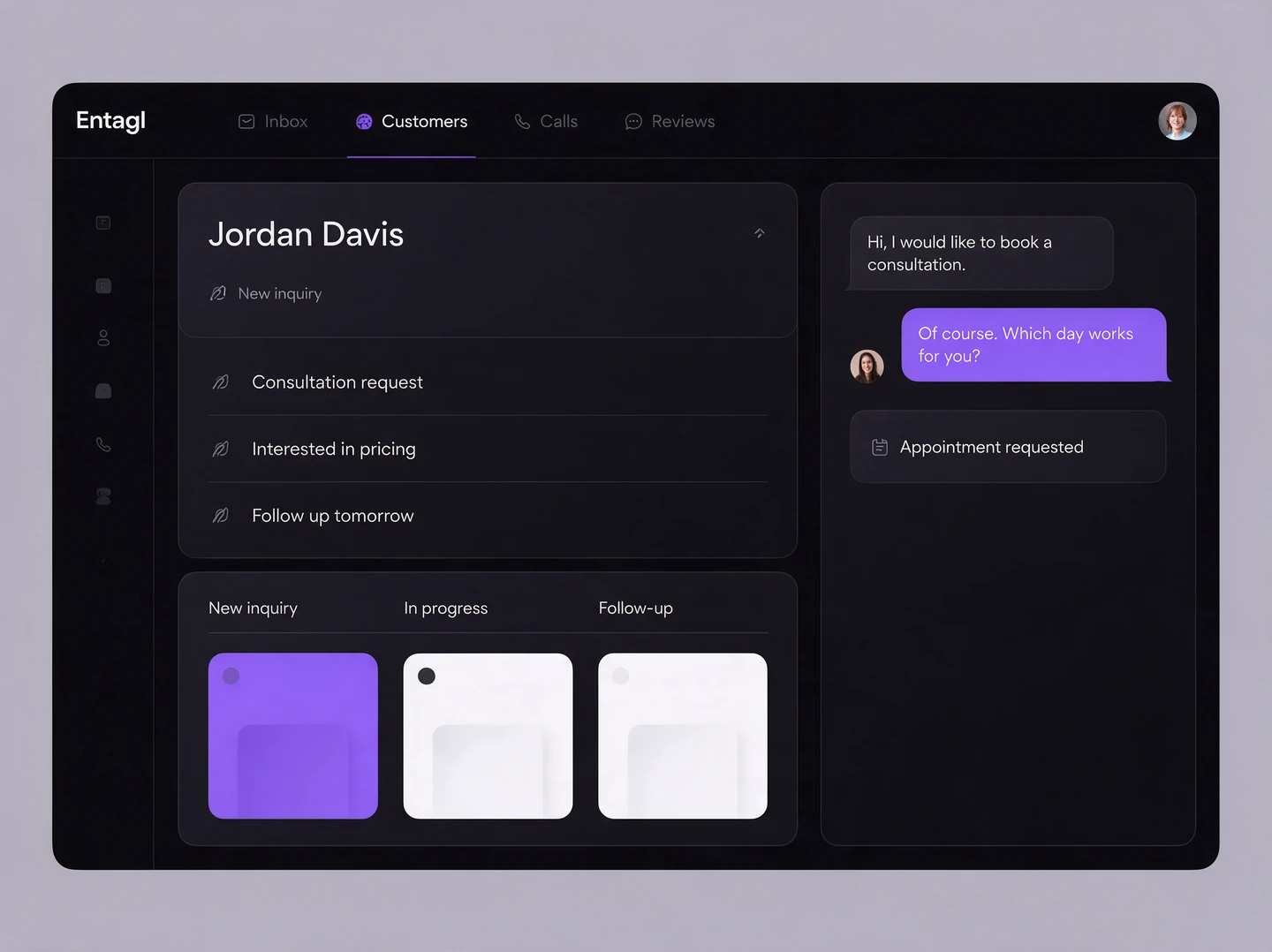
In your workspace
Staff use the inbox and connected records for the next response.
Channel connections do not guarantee automatic identity matching or identical features across platforms.
No. A shared inbox puts channels in one workspace. Connecting the same person across channels also requires a supported identity link or a reviewed customer record.
Reply in the selected channel’s conversation. Its messaging permissions, delivery rules, and supported attachments continue to apply.
Your team can use the information available in the customer record. Ask us to demonstrate the currently available AI context and customer-linking behavior for your channels.
Connected capabilities